The full Figma set of effects
Stack as many as you like, switch each on or off, and they export to real CSS.
Inner shadowDrop shadowLayer blurBackground blur
NoiseTextureGlass
Design, animate, prototype and export real code, offline. Every feature is in the $79 licence.
Xecil UI covers the whole path from idea to shipped screen, on your own computer, without a monthly bill.
Stack as many as you like, switch each on or off, and they export to real CSS.
Rows and columns that hug, fill and wrap, with padding and gaps that behave like CSS flexbox.
Build a button once. Change the main component and every copy follows, overrides kept.
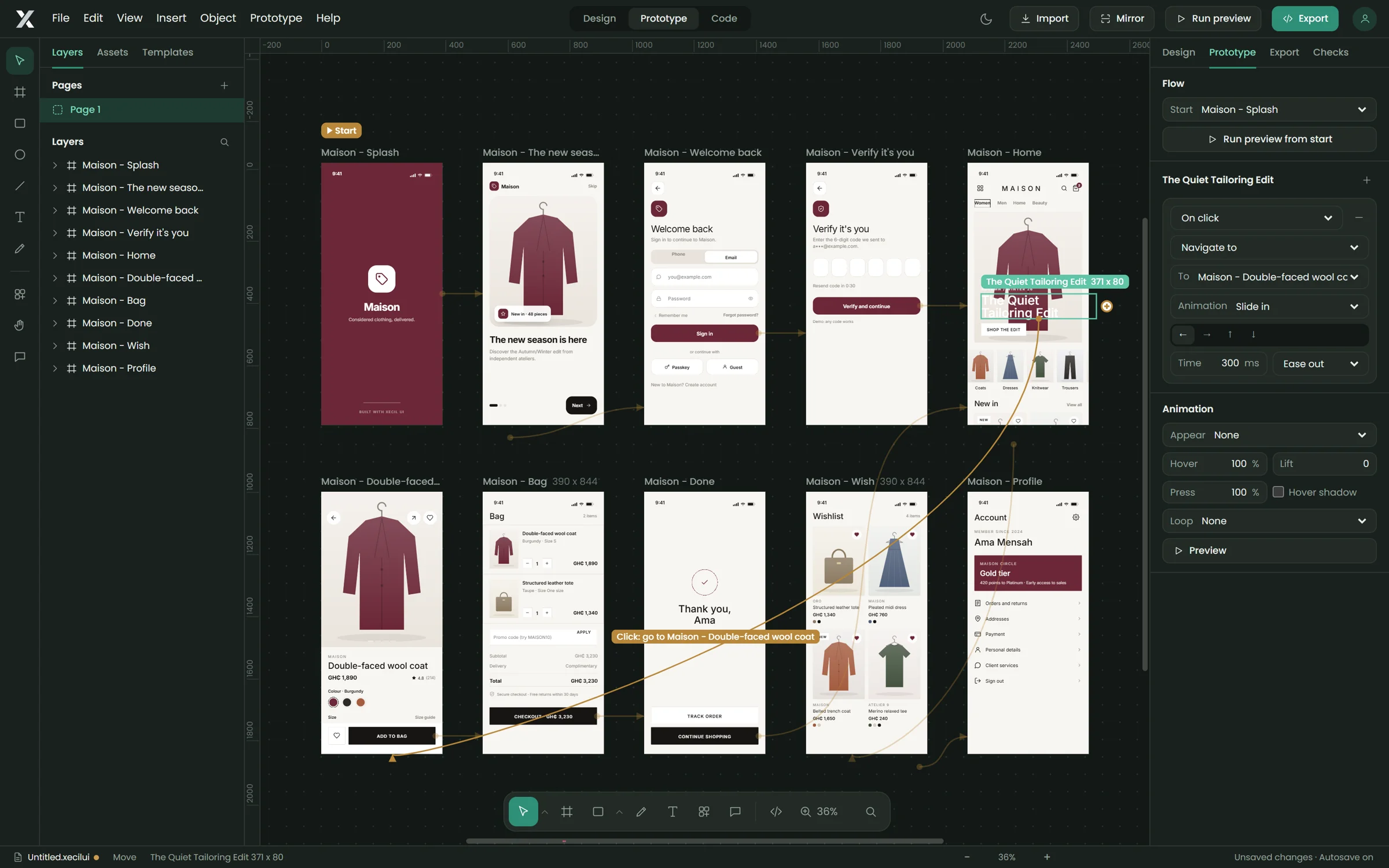
Forward links curve across, back links arch over the top, tab bars loop underneath. Overlays are dashed.
Appear, hover, press and loop animations on any icon, button or text. They play in preview and export as CSS.
React + Tailwind for each screen, a ready-to-run Vite project, or a single HTML prototype.
Paste a file link to bring frames, text, vectors, images, auto layout and effects in as editable layers.
Mirror the prototype to any phone on your Wi-Fi with a QR code. Edit on the desktop, see it change in your hand.
Catch low contrast, small touch targets, broken links, missing images and fonts before developers do, with one-click fixes.
Autosave, crash recovery and scheduled backups to any folder, including a Google Drive or OneDrive folder.
Over 130 finished screens across fashion, food, fintech, travel, health and more. Plus your own template library.
Run the free Xecil plugin in Figma, and your frames arrive in Xecil UI as real, editable layers, ready to prototype and turn into code.
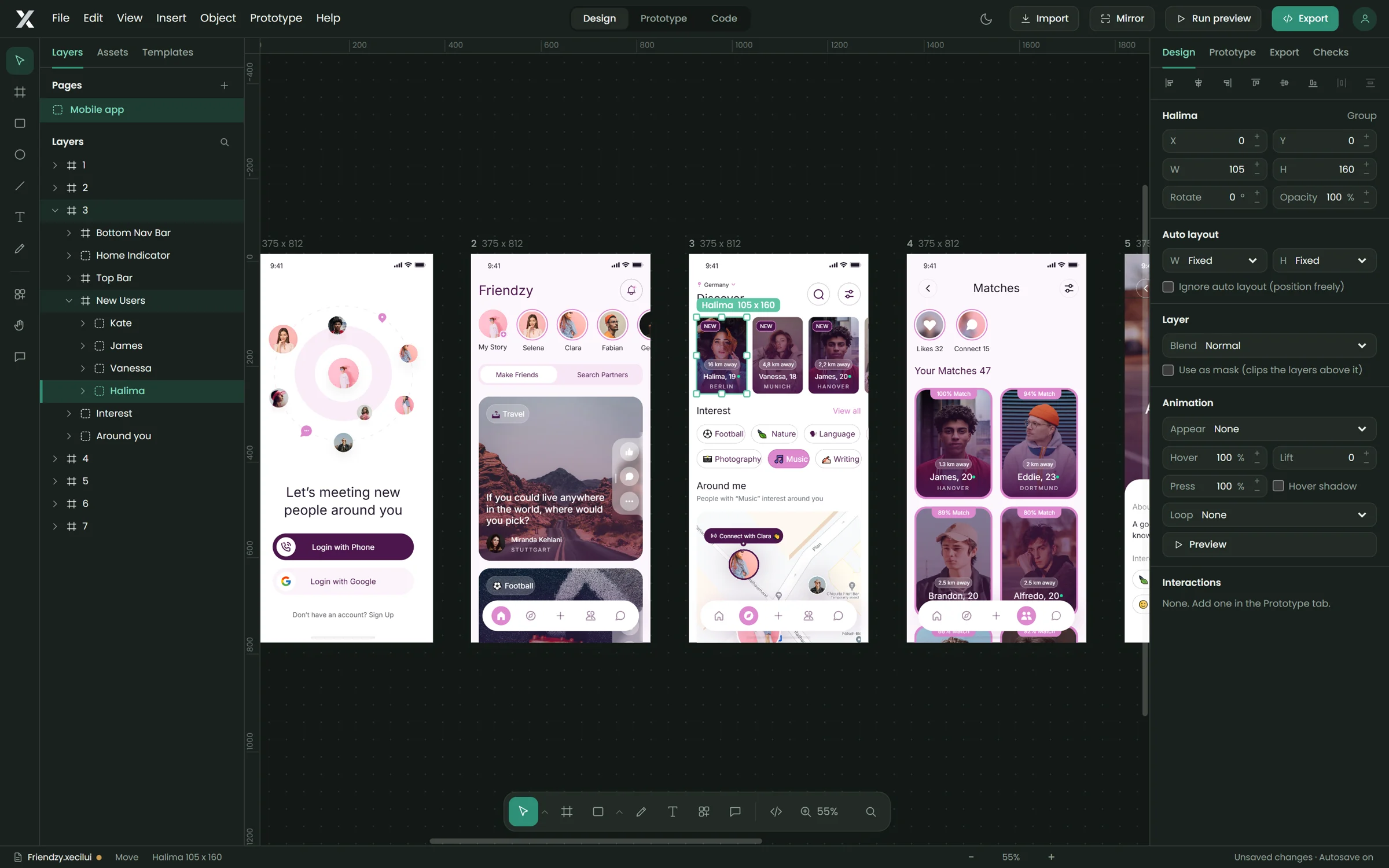 Imported from Figma
 Xecil UI Export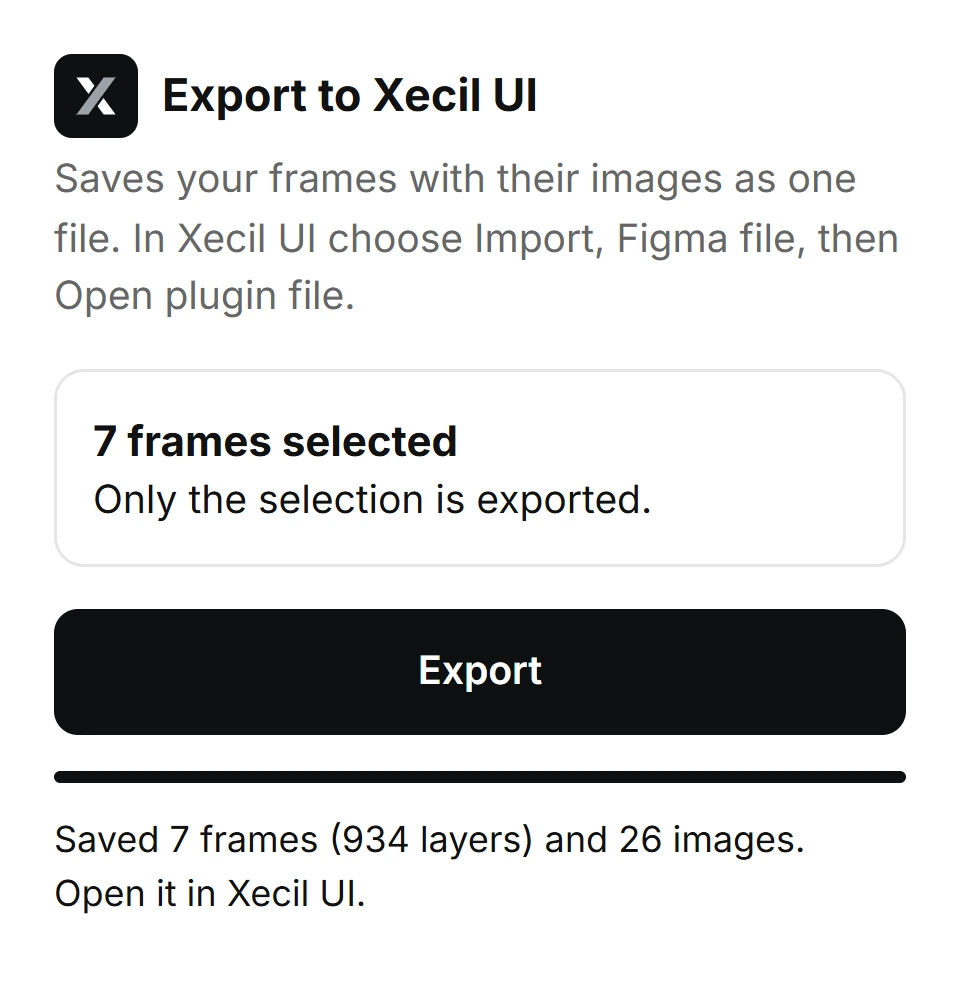
Give layers the same name on two screens and Xecil UI morphs between them: position, size, rotation, blur, opacity and colour. Or let the Product showcase builder make the whole animated page for you.
Bring in your branded product and Xecil UI turns it into a 3D object you can spin, animate and place on any website or app screen. No 3D software, no modelling.
Open Code mode on any screen and read it as HTML and CSS or as a React component, with the running result beside it. Change the code and apply it to the design. Paste code from anywhere and it comes back as layers.
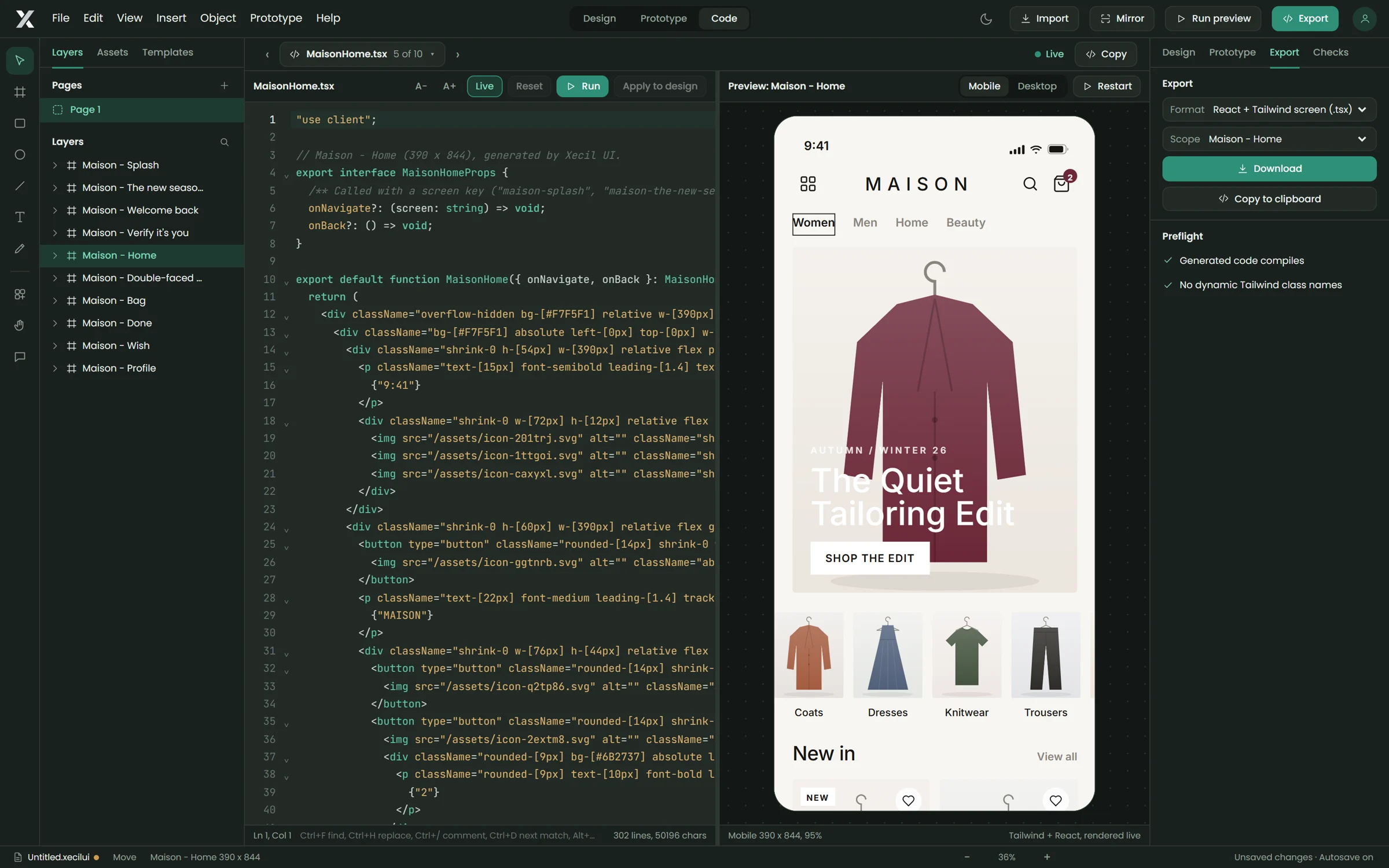 Code modePrototype flow
Drag the link handle from any button, tab or card onto a screen. Xecil UI routes each link around your layout, so ten screens and twenty links still read clearly.
Scan the QR code and your prototype opens on your phone over Wi-Fi. Nothing goes to the internet.
36 frames from the latest iPhone and Samsung models to tablets and desktops.

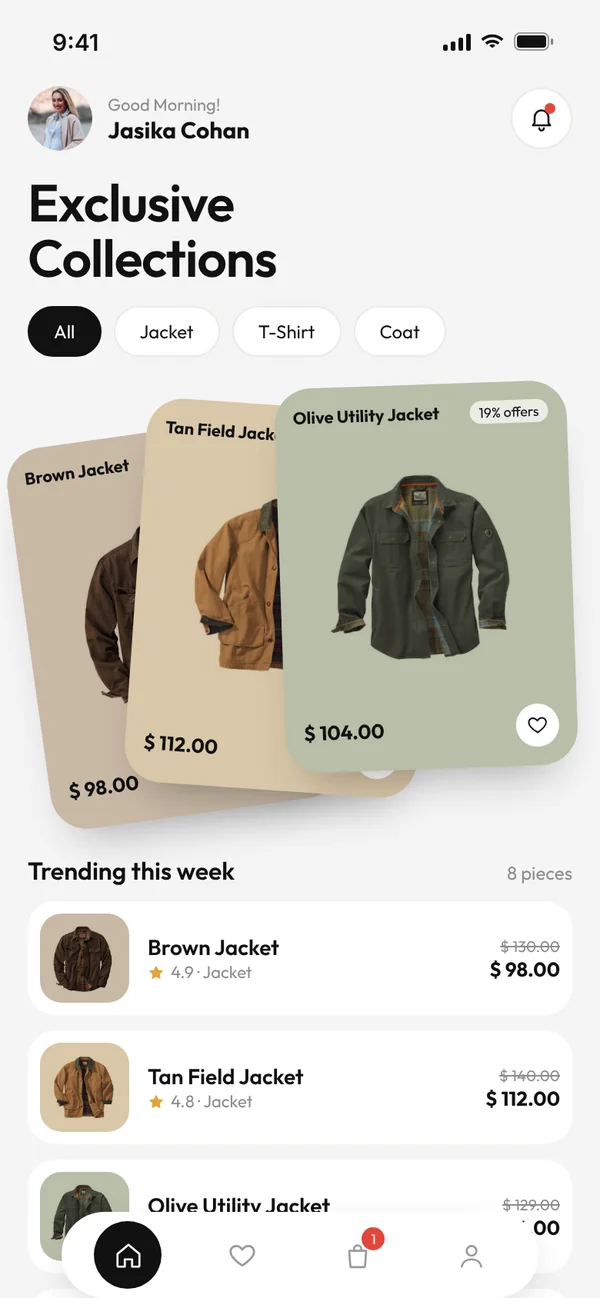

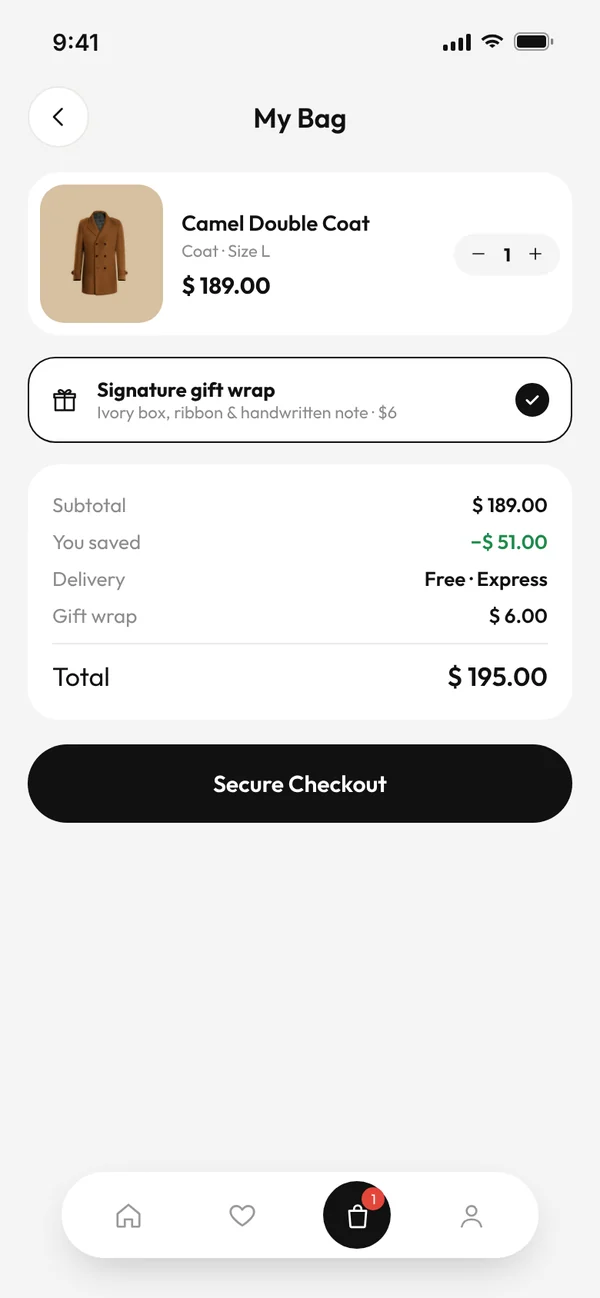
Export the whole prototype as a single HTML file with its links, transitions and animations. It opens in any browser.
Run the preview full screen with the device frame, back gestures and hotspot hints for clients.
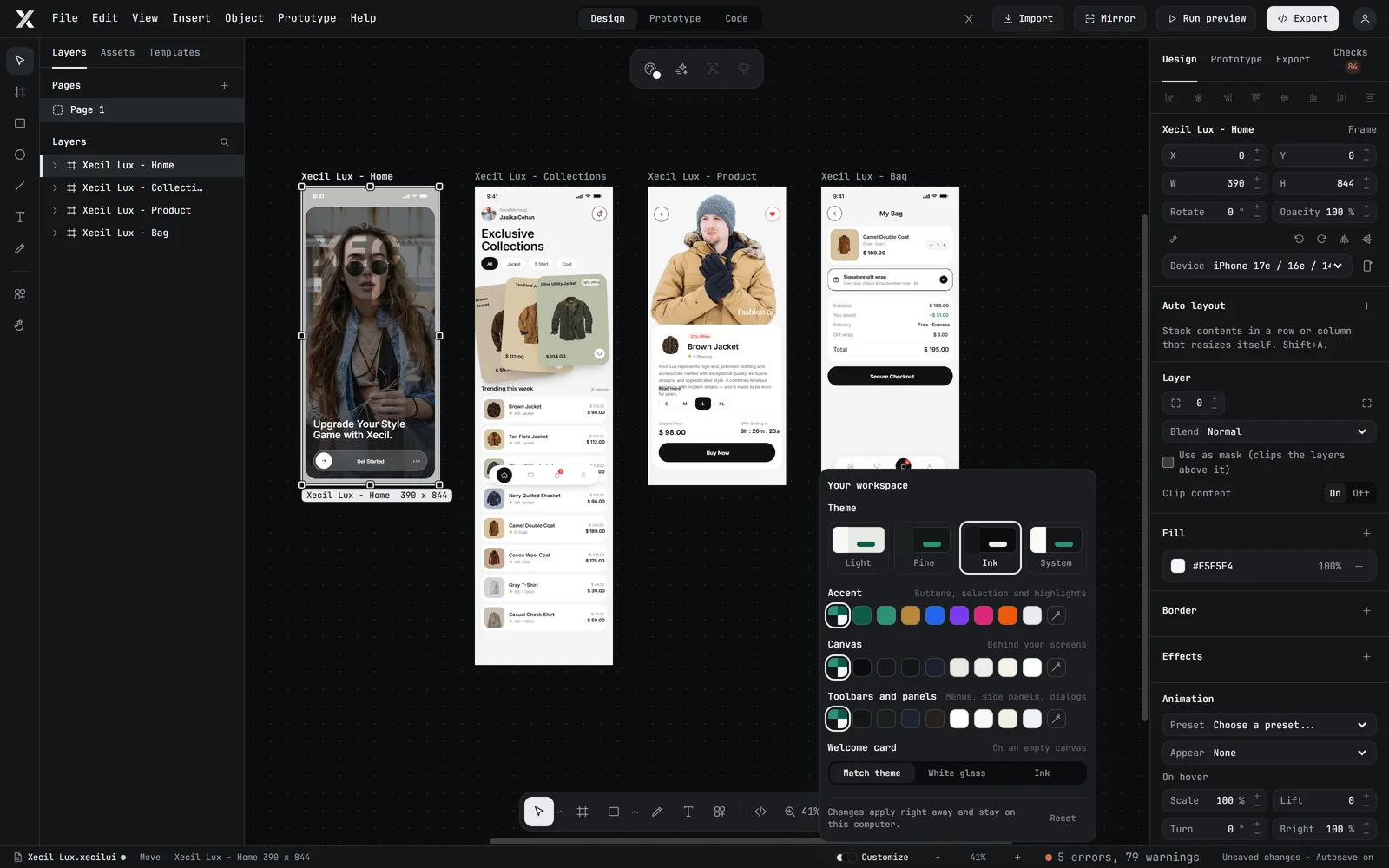
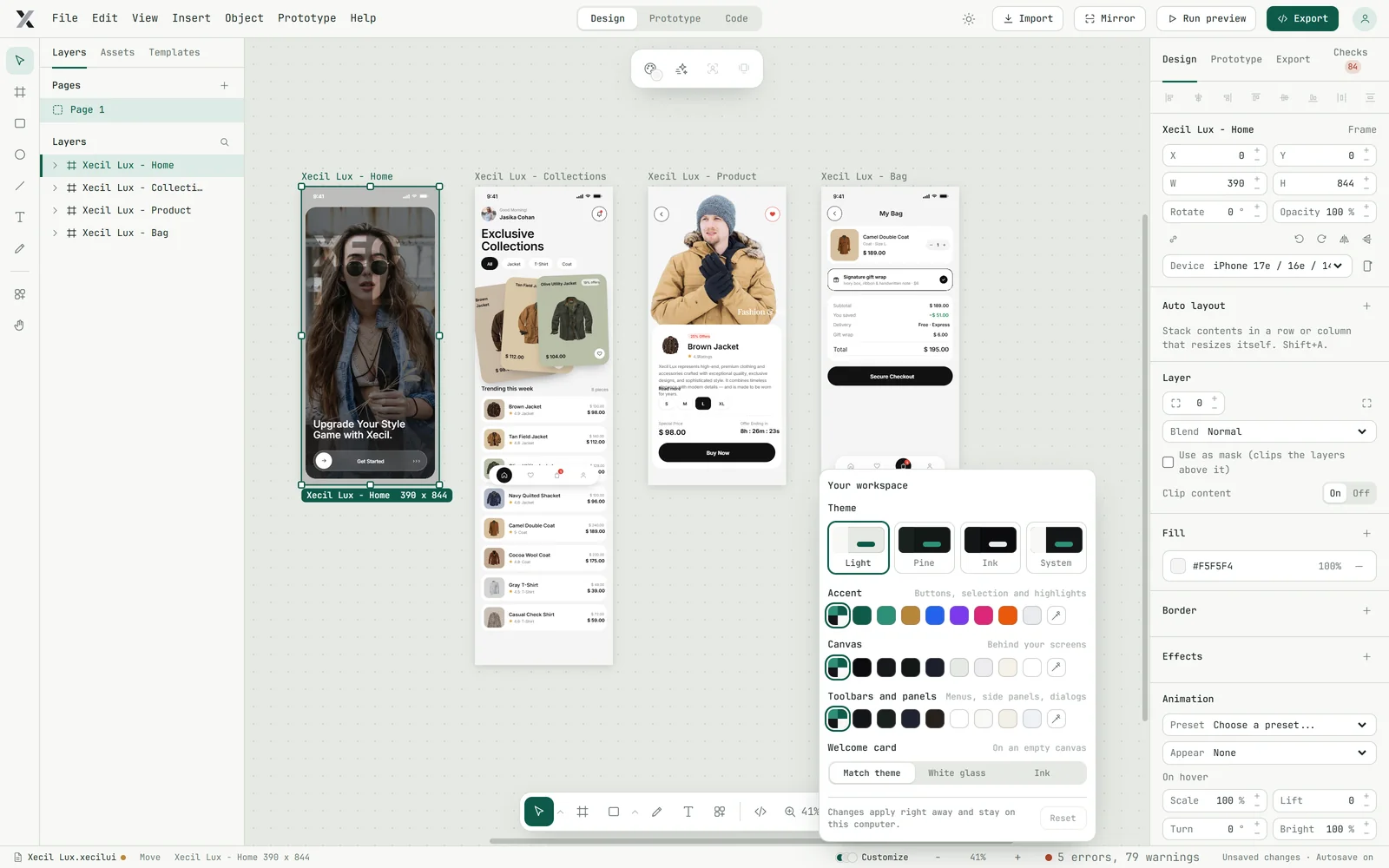
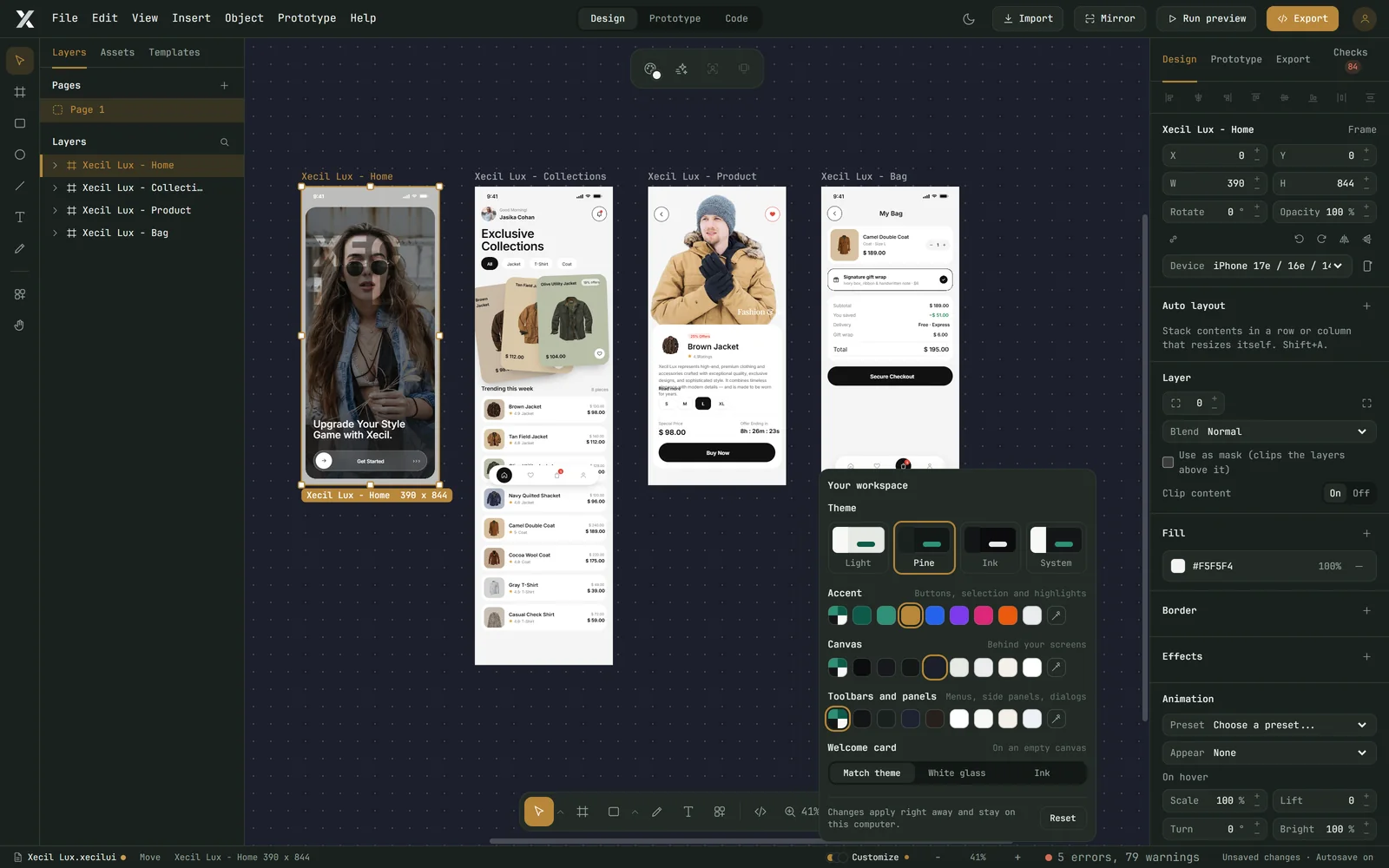
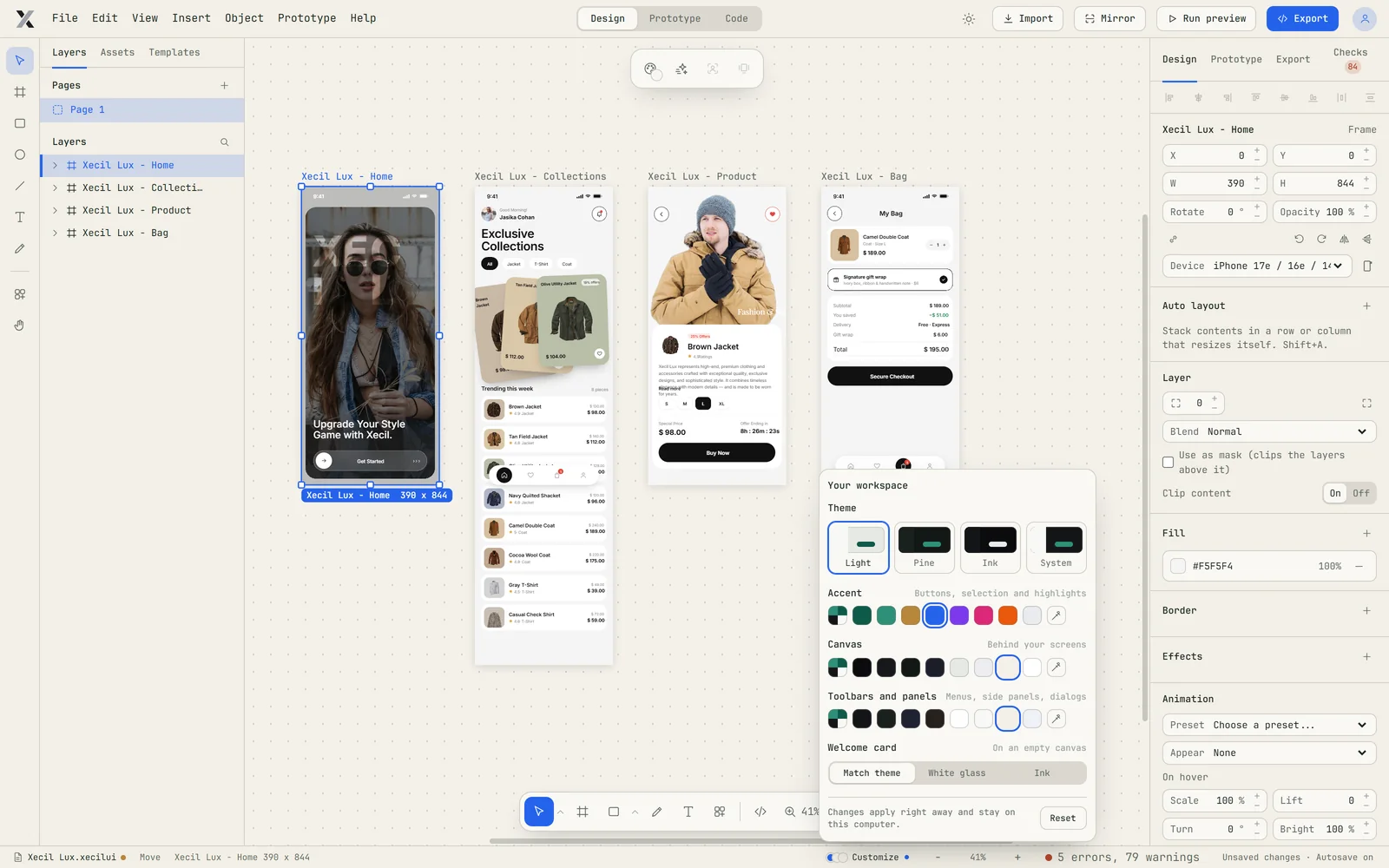
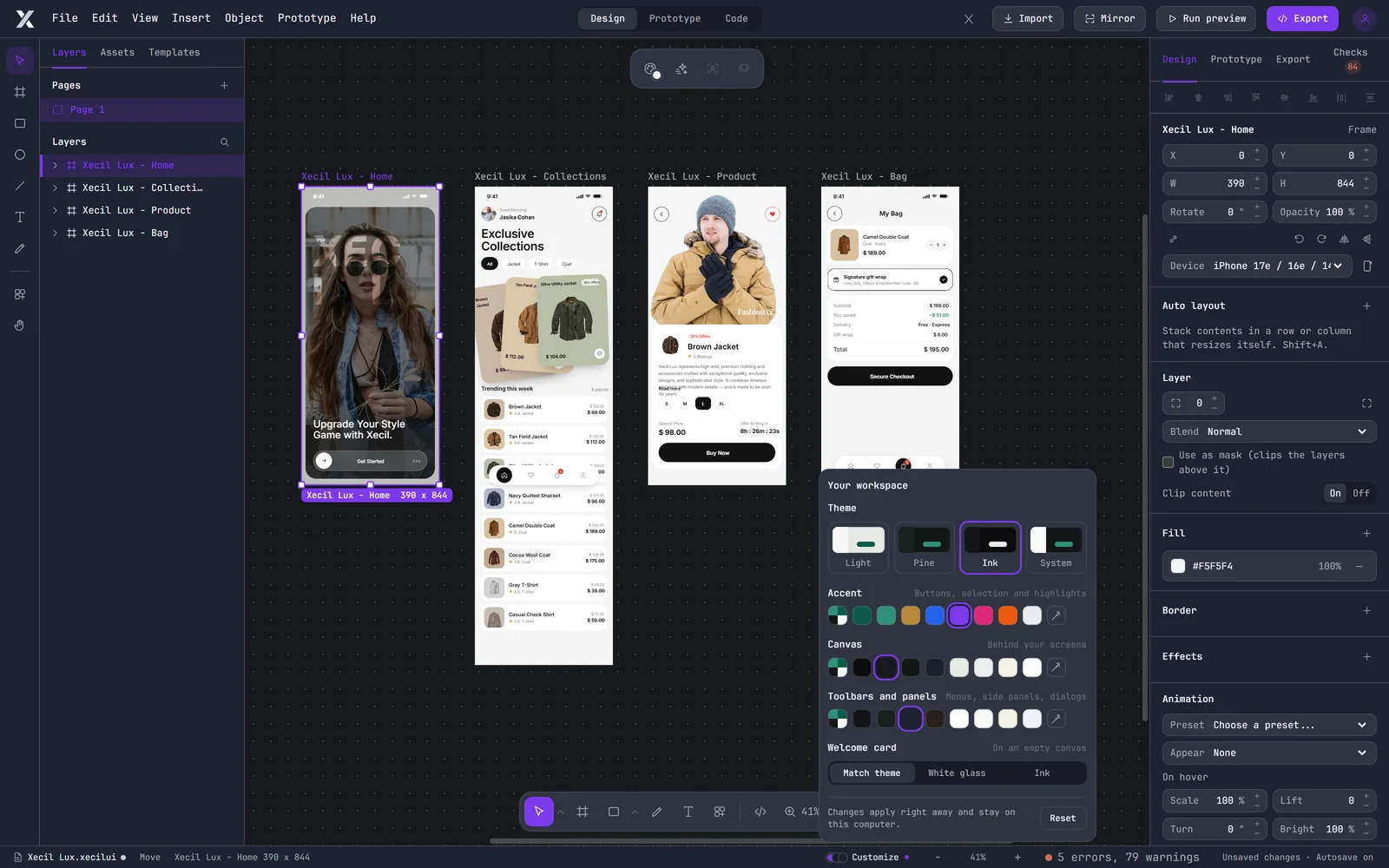
Open Customize in the footer and pick Light, Pine or Ink, then your own accent, canvas, toolbar and panel colours. Every change applies instantly and stays on your computer.
Join the designers turning finished screens into working code.